Screen shots
The KITe UHD Authoring Suite user interface is divided into several separate
elements, which allow you to enter all the data quickly and conveniently while creating a BD.
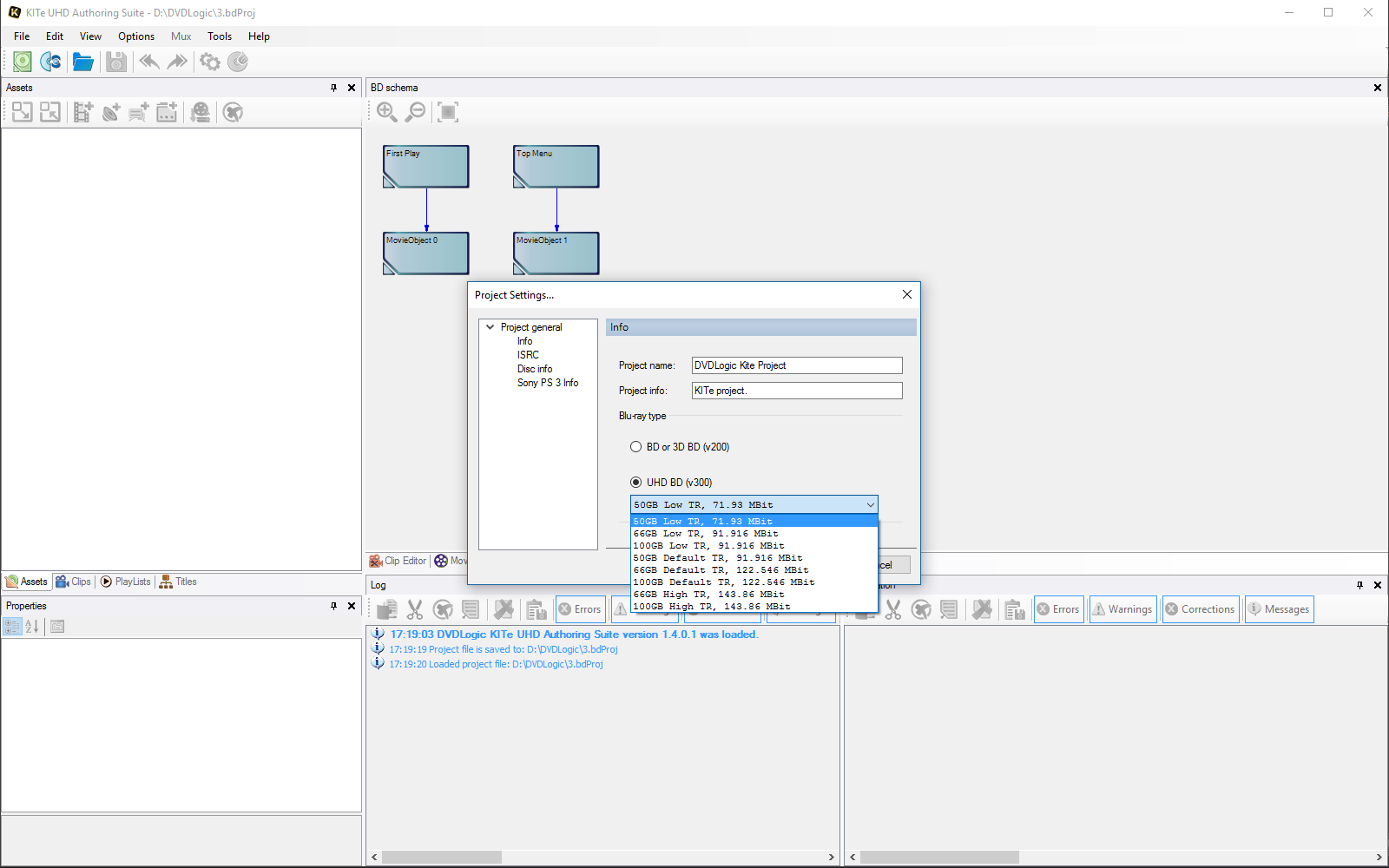
1. UHD BD Mux mode selection allows you to select the appropriate Mux mode for
UHD BD:
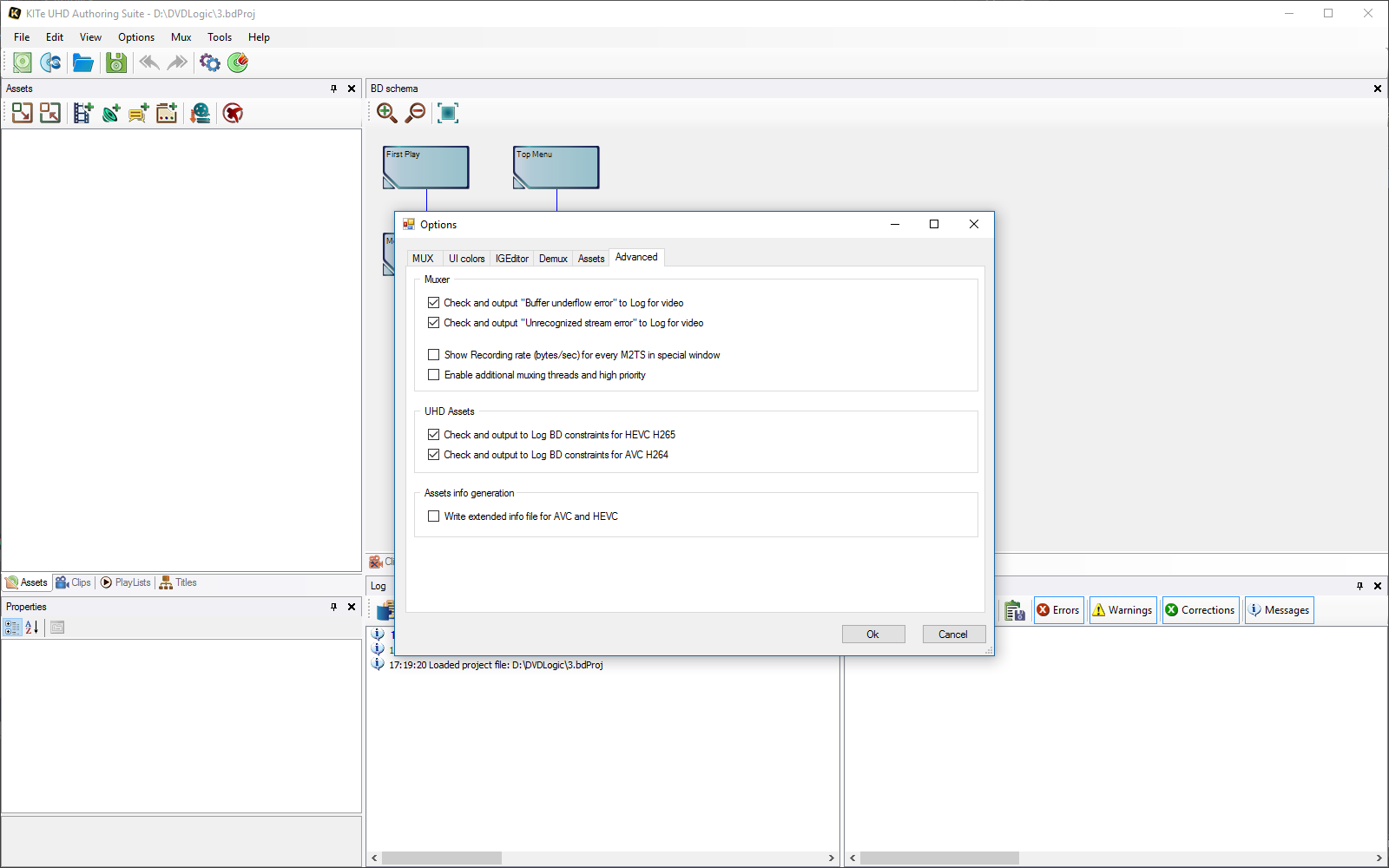
2. Advanced options for advanced users, allowing you to track special events and
enable a high-efficiency mux mode:
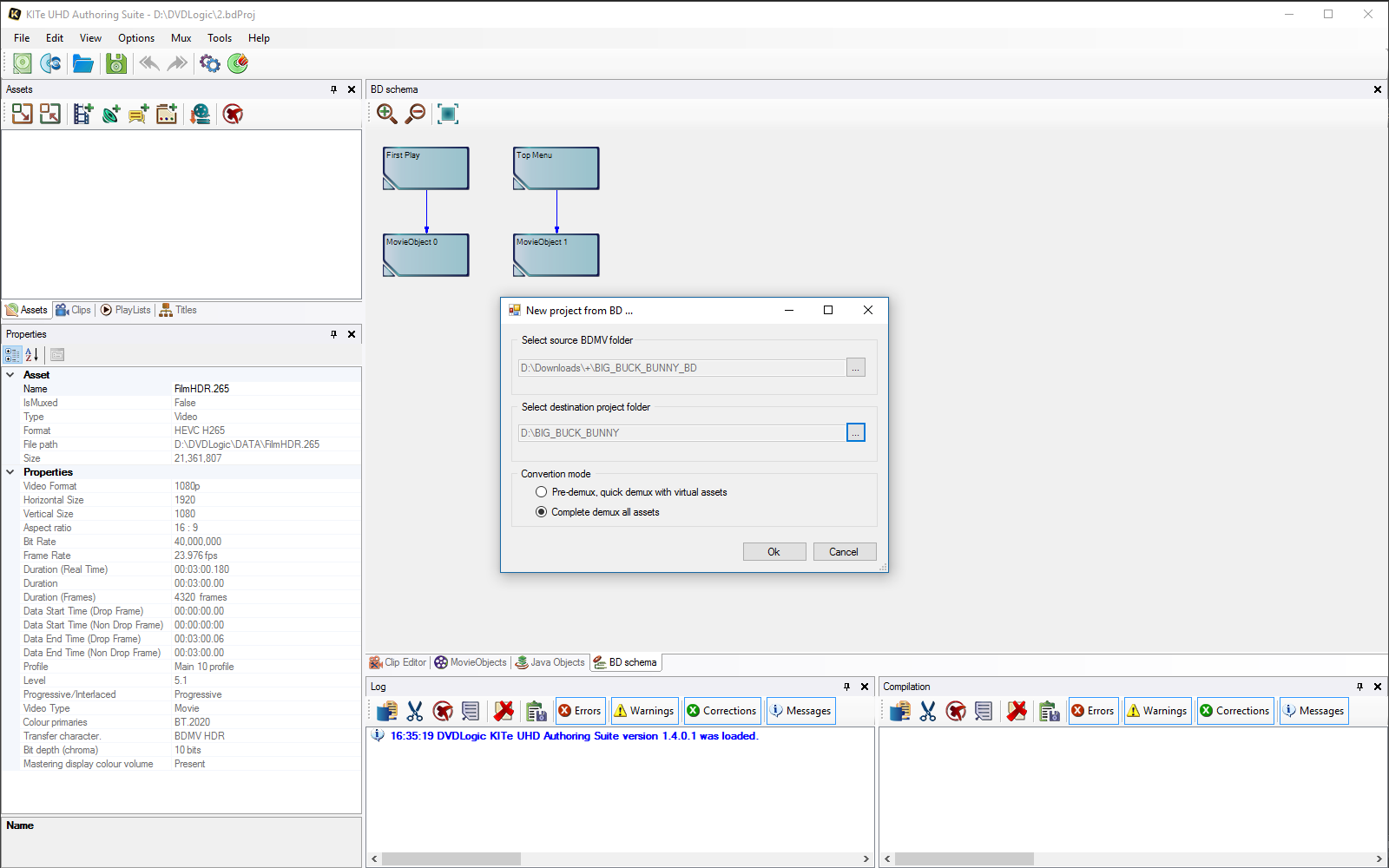
3. Import BD is the well-known, unique BD Reauthor technology already built into
KITe UHD Authoring Suite. Now with UHD demux mode:
4. Log messages will show the current Mux state or error description in case of
any problems:
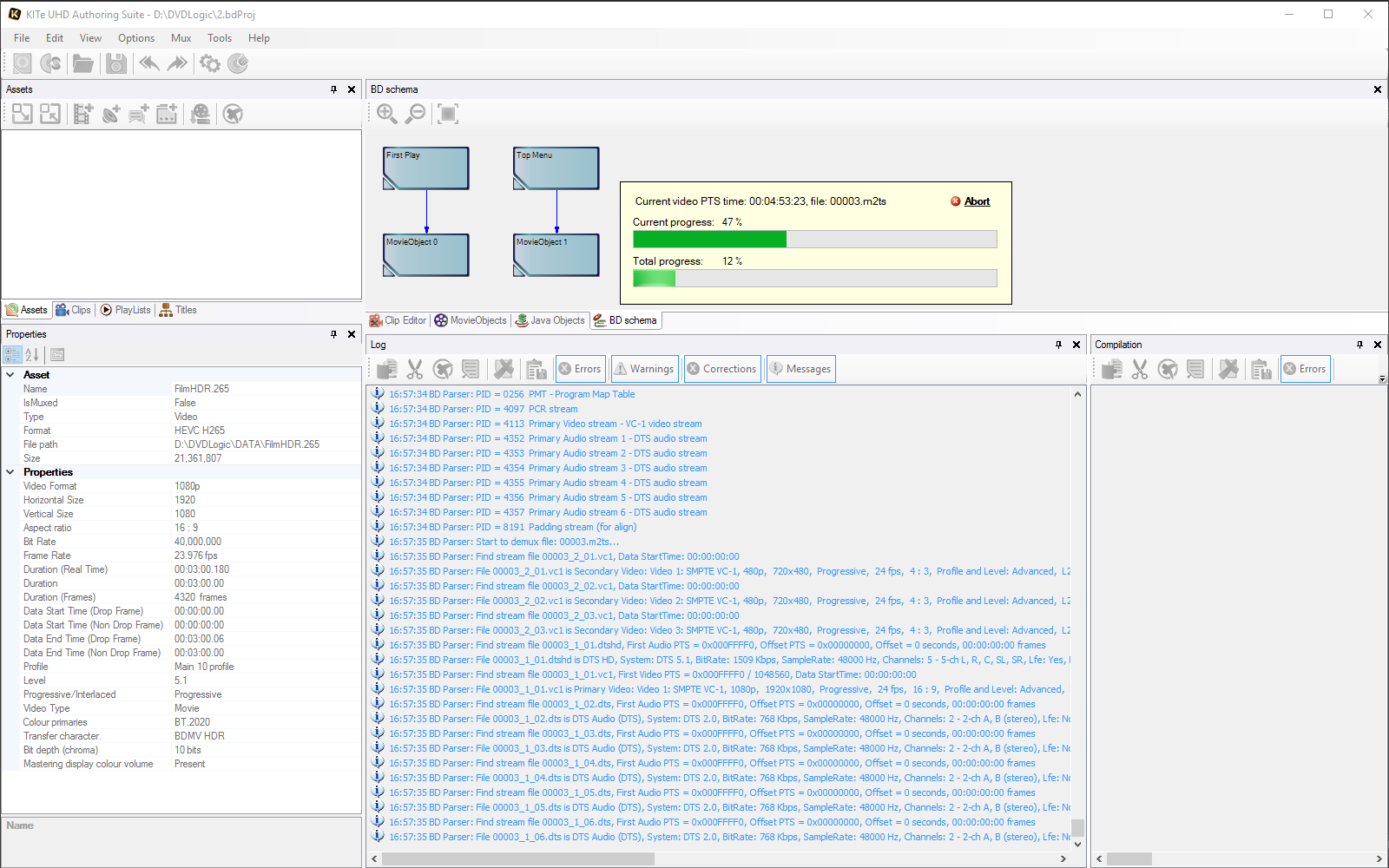
5. BD schema is a visualization of all main elements of BD. It helps you to see
the whole picture on one panel:
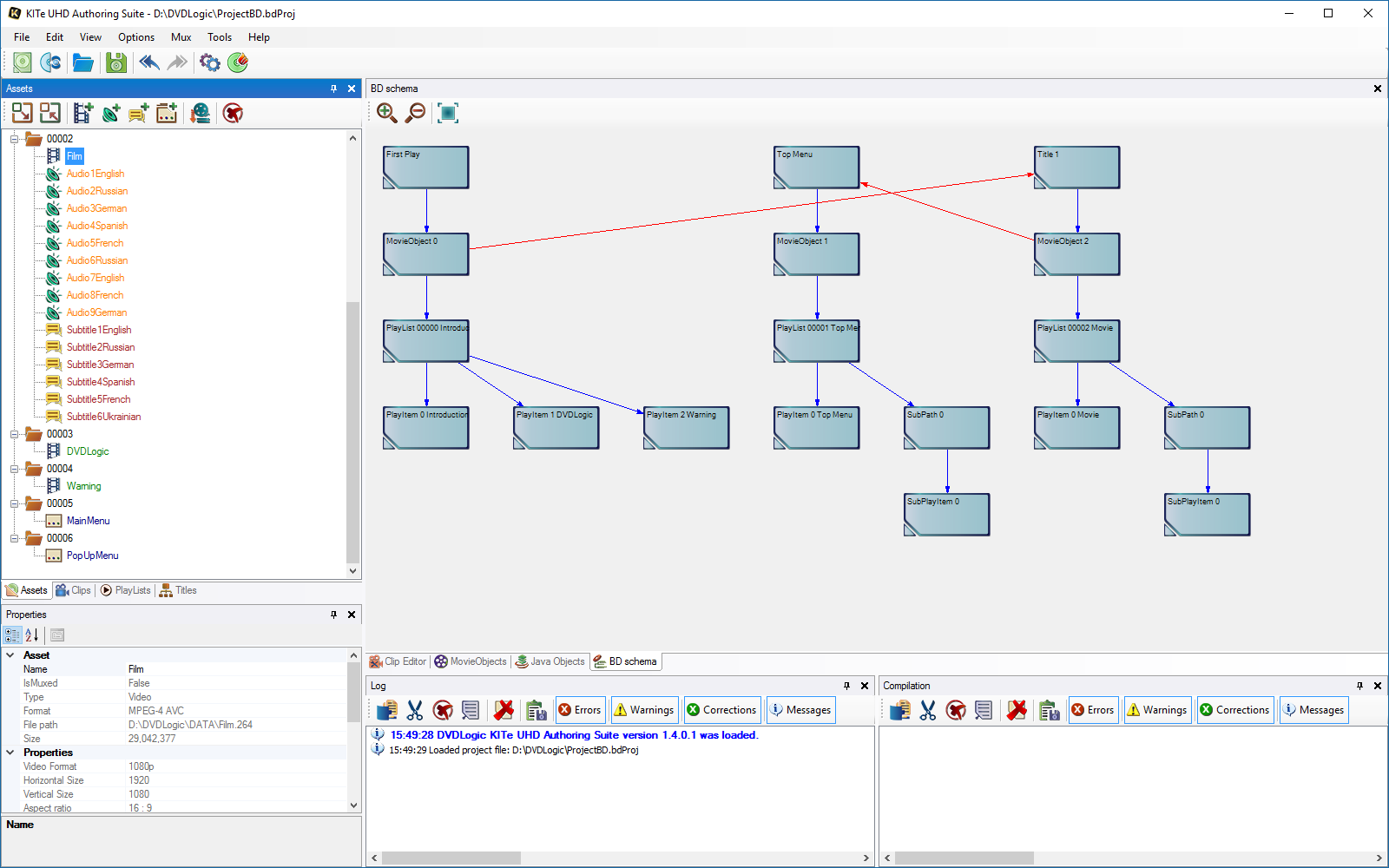
6. HDMV commands editor allows you to write HDMV commands, control PSR and GPR,
adds flexibility:
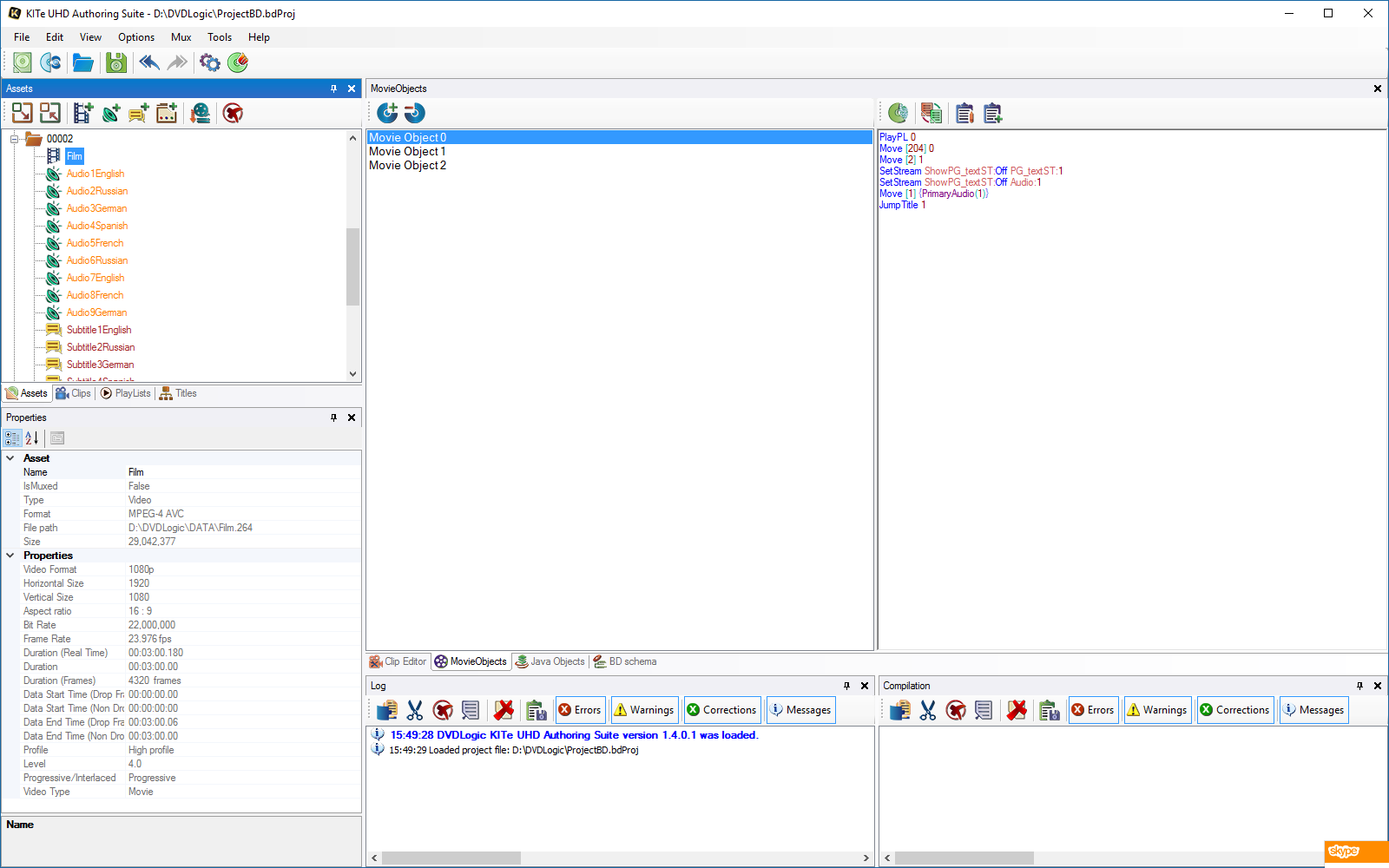
7. Clip editor allows you to access the Clip properties and all its streams,
types, languages, and duration:
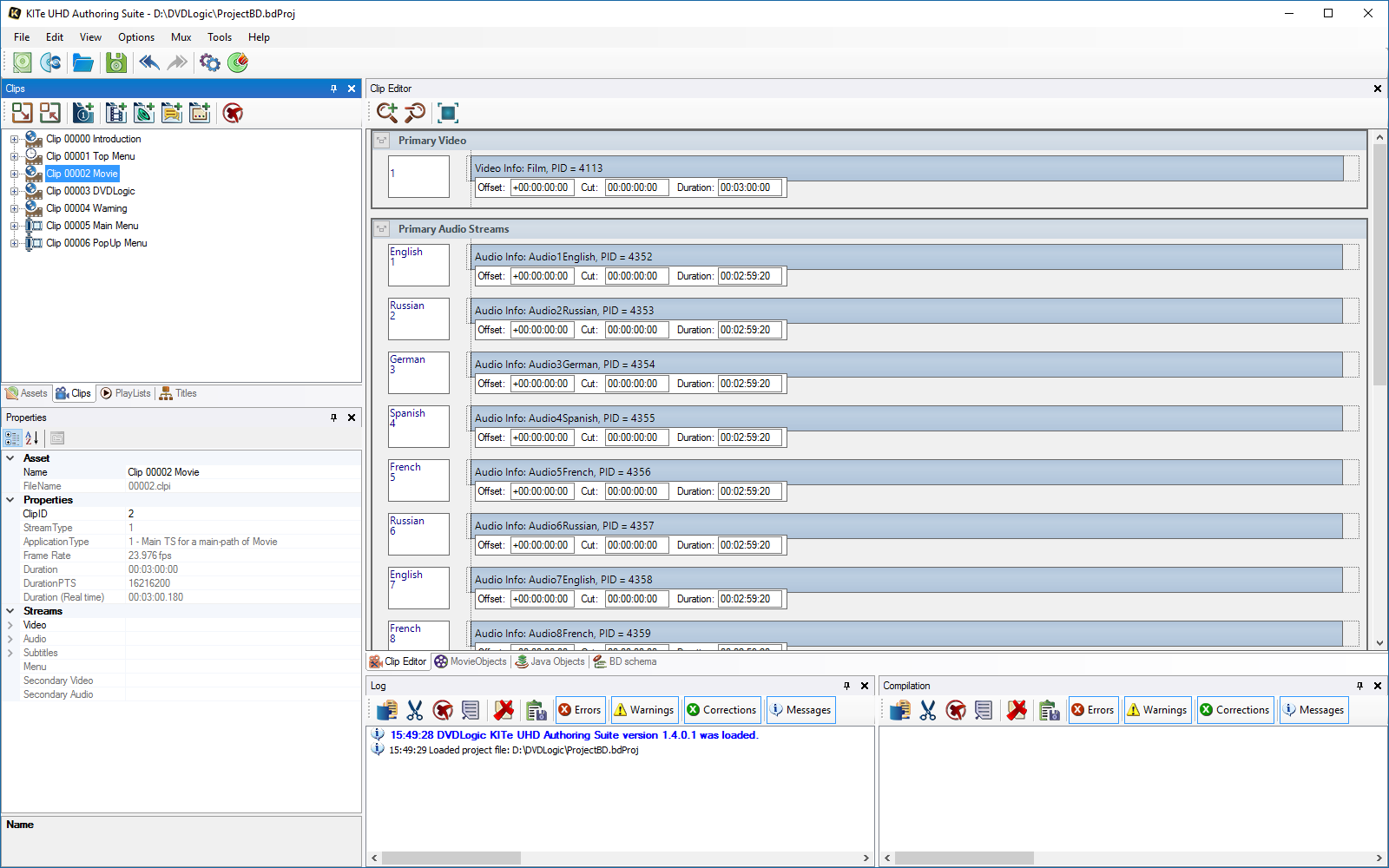
8. PlayLists - allows you to easily change any PlayList field or check where it is
on BD Schema:
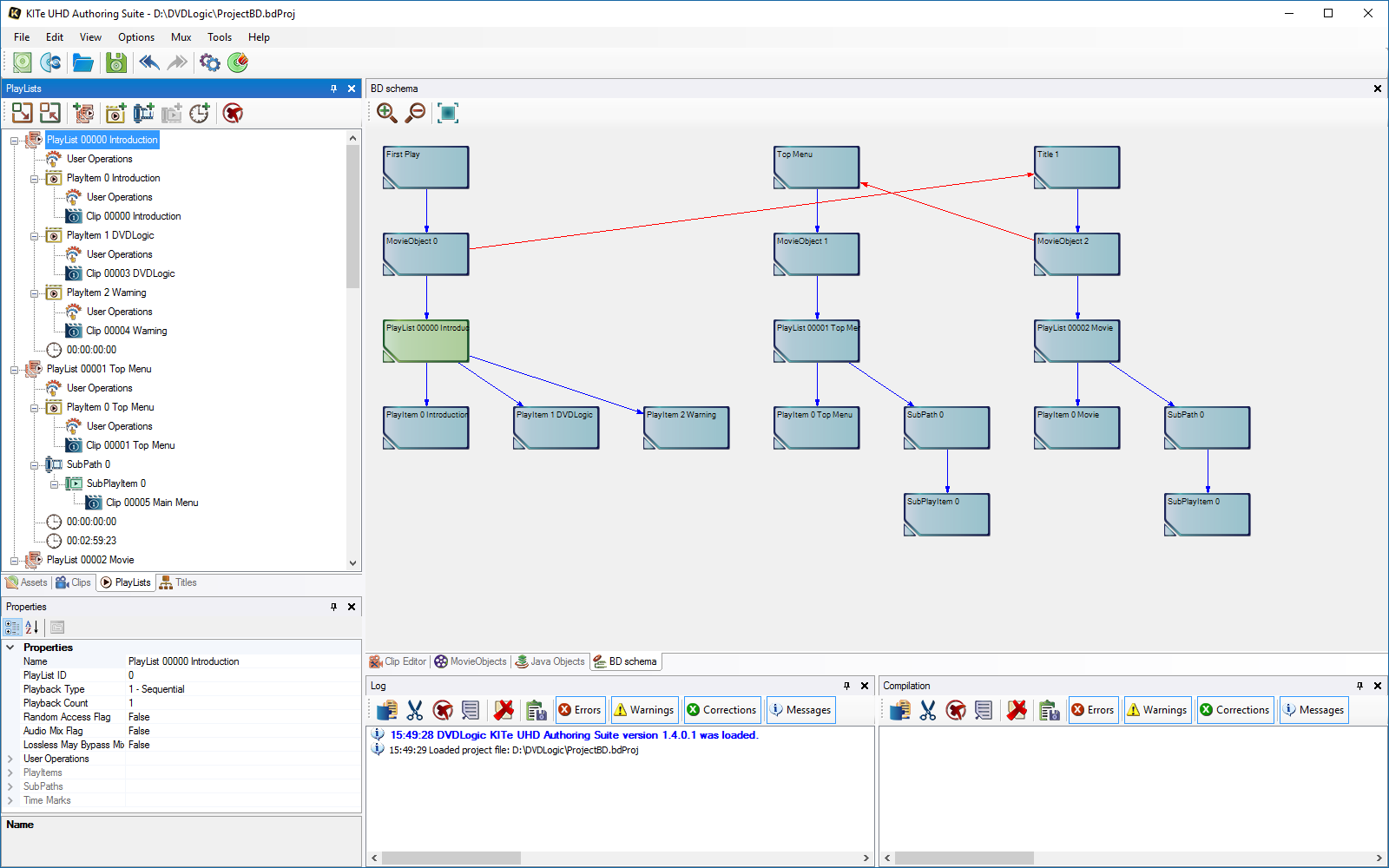
9. PlayItem - allows you to change PlayItem fields or any additional content of
PlayList, like SubPath or SubPlayItems:
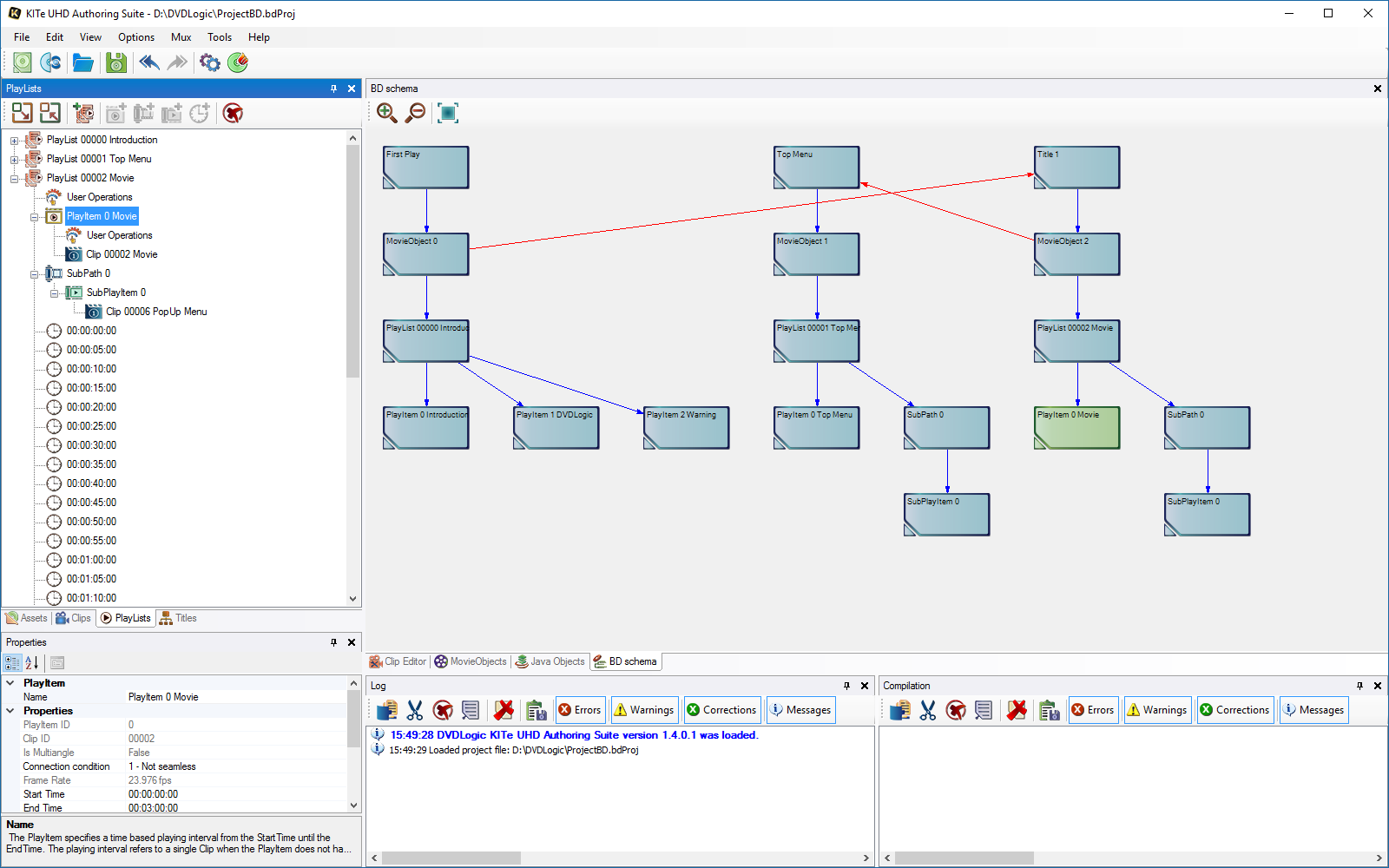
10. STN Table Editor allows you to adjust the streams to your needs for every
PlayItem:
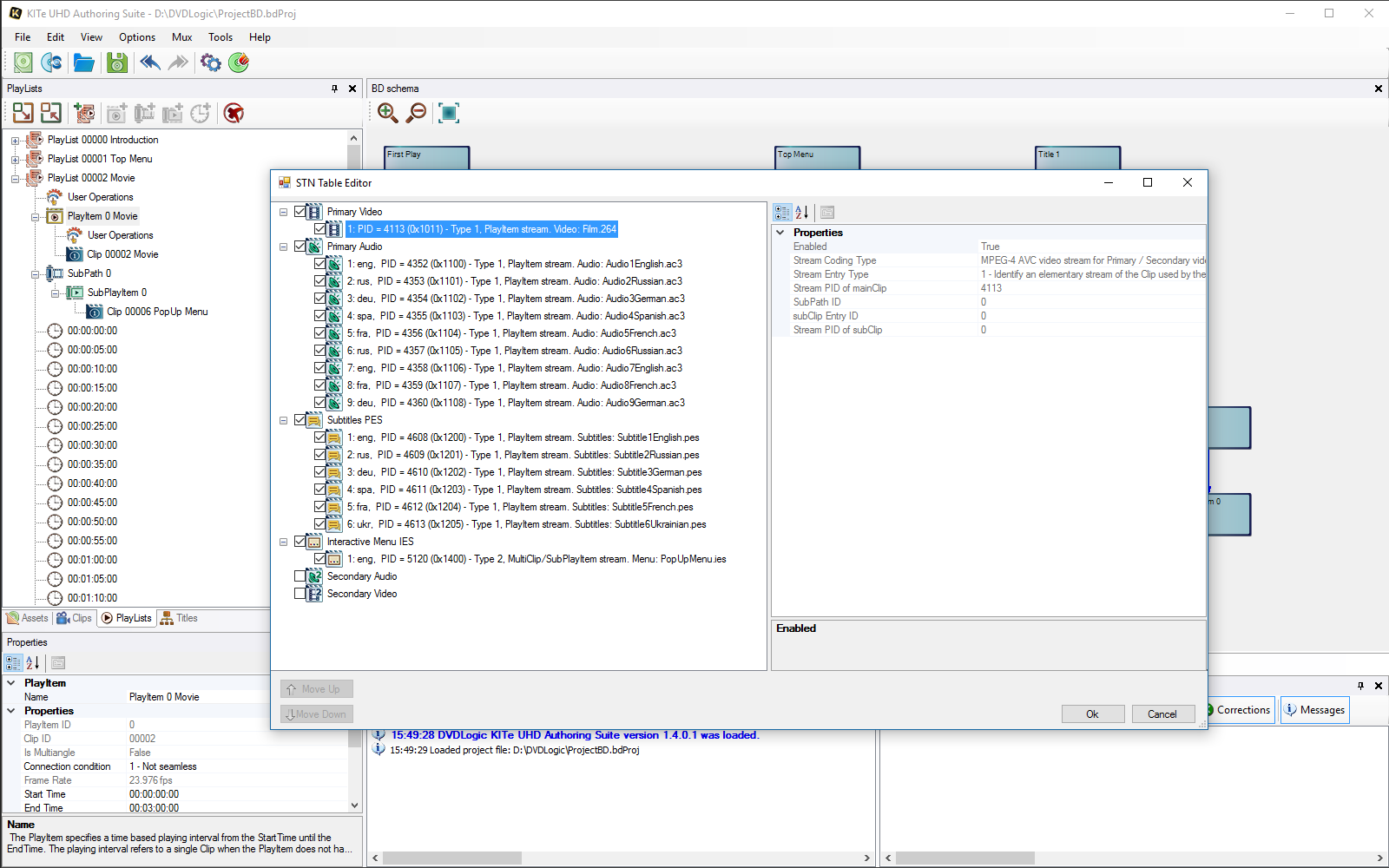
11. Titles interconnections are the most important part of every Blu-ray:
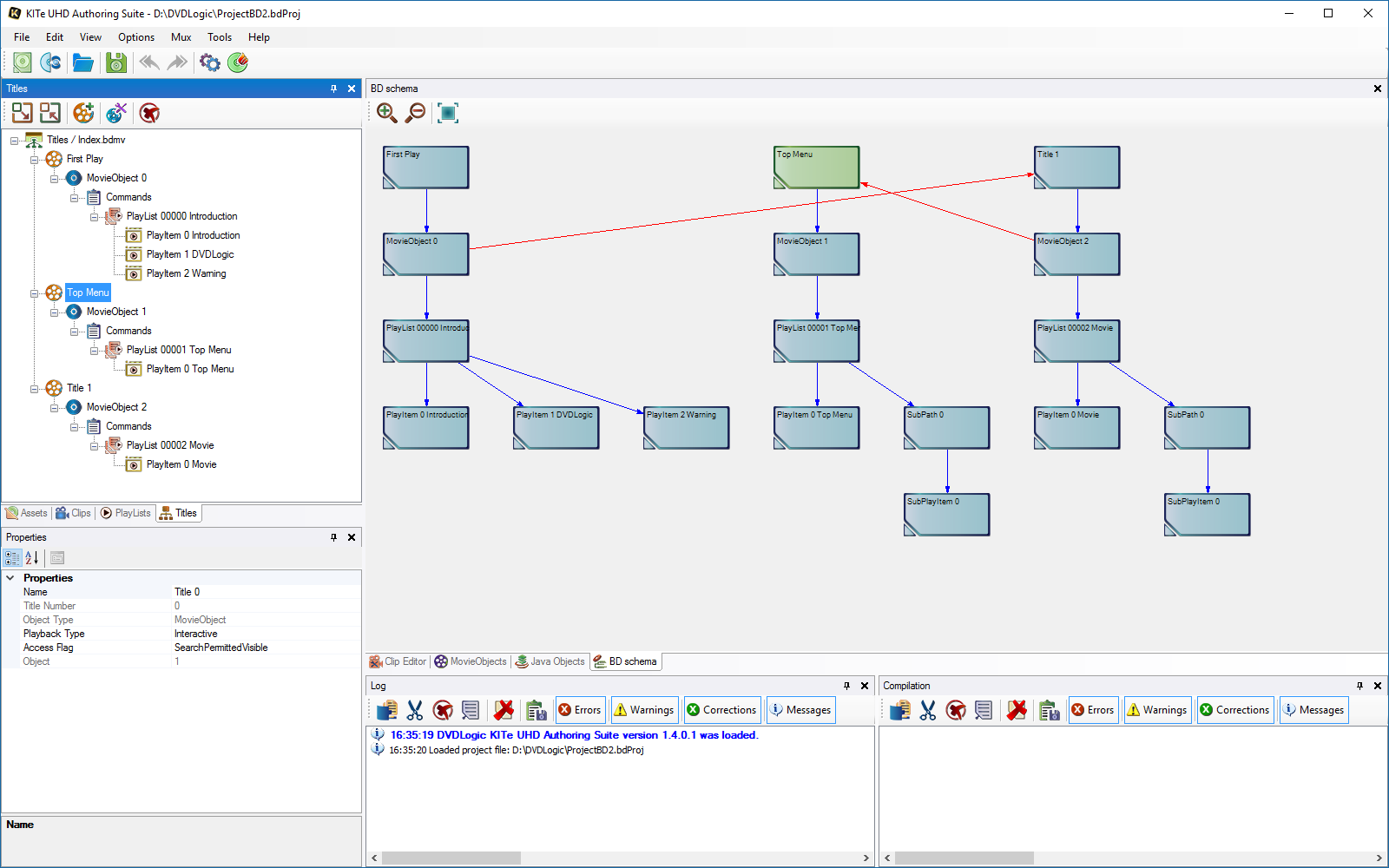
12. Assets are the building blocks of every Blu-ray:
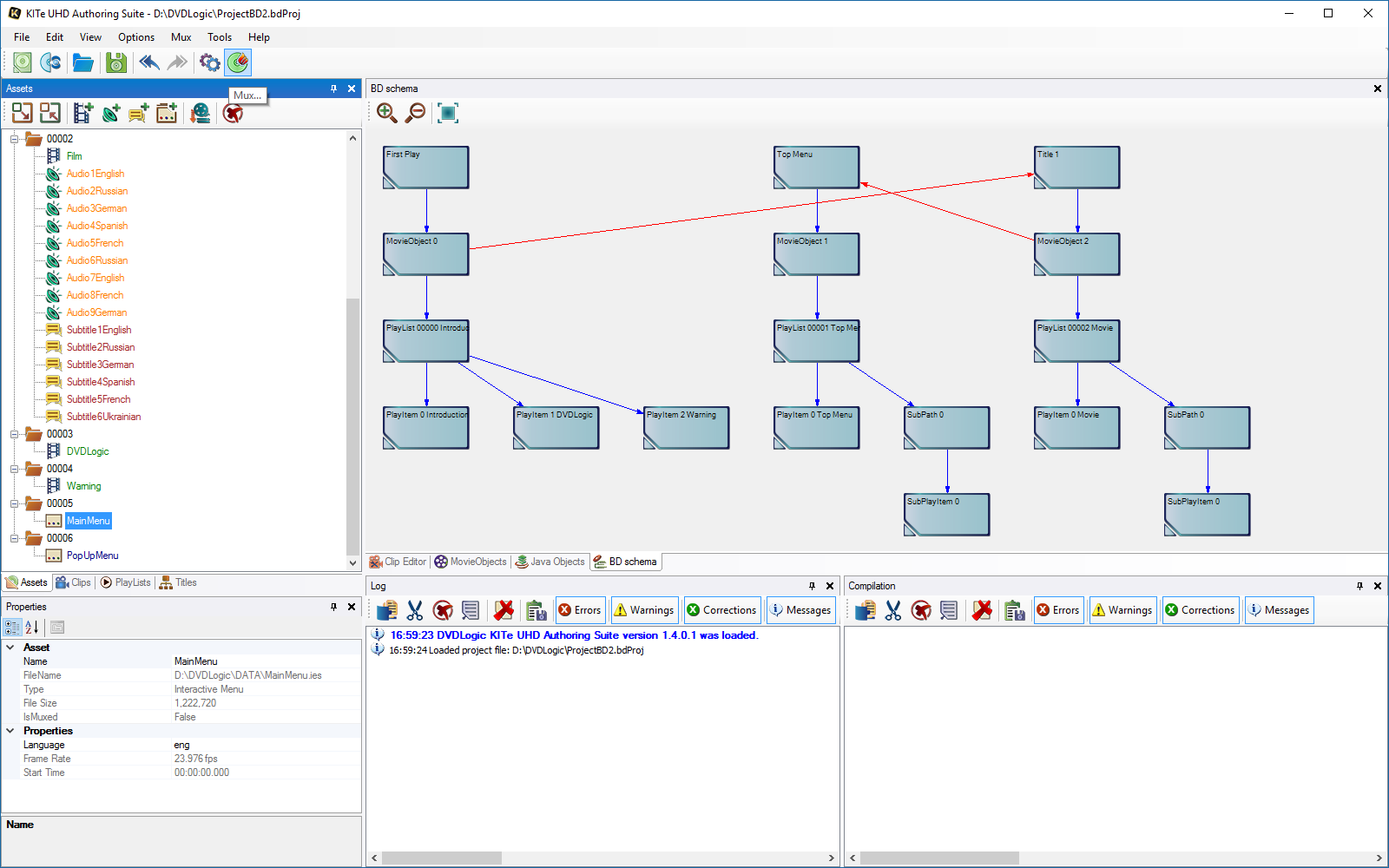
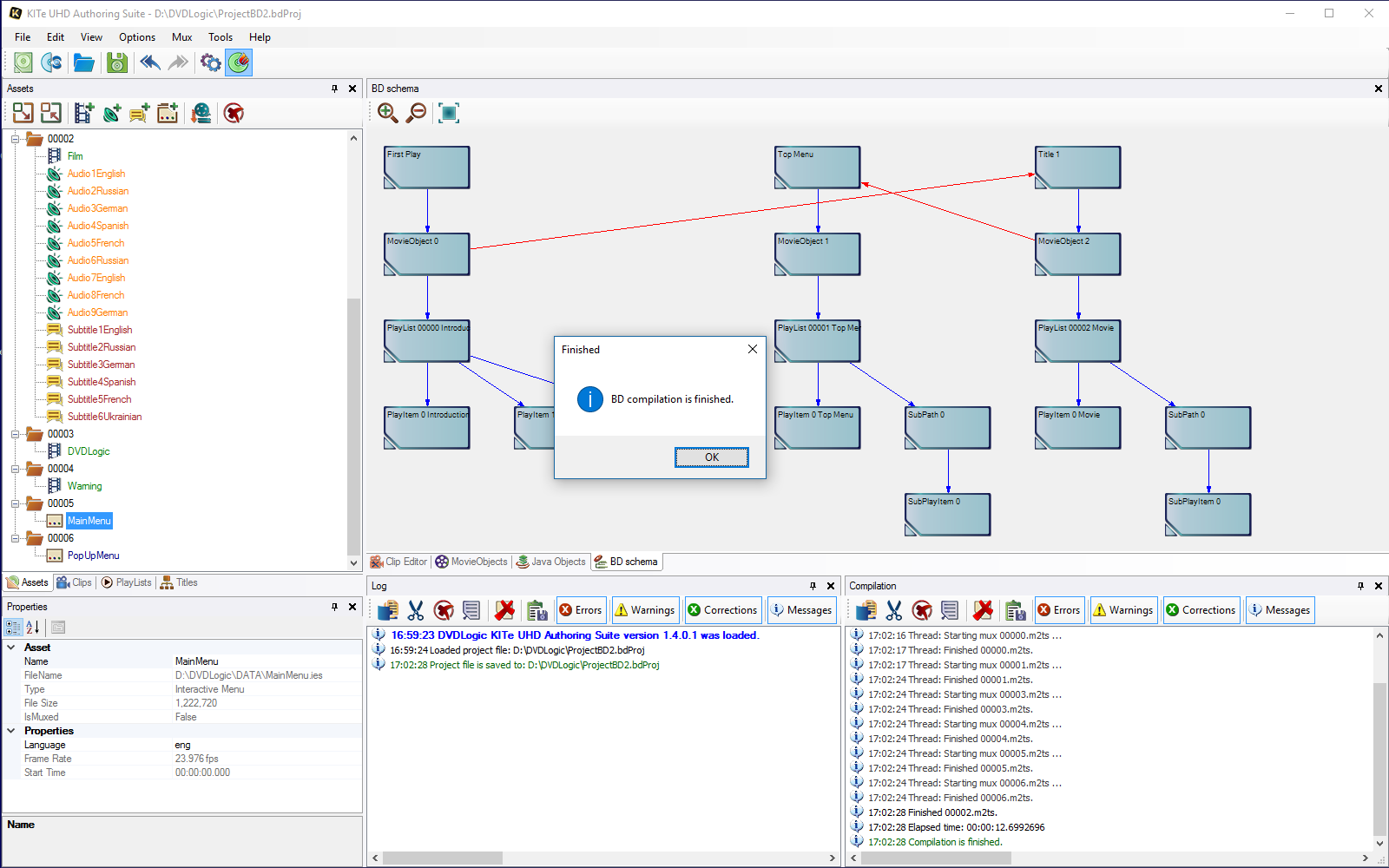
13. Muxing - KITe muxes everything using several high-priority threads,
so your processor works in the most efficient way to save you time:
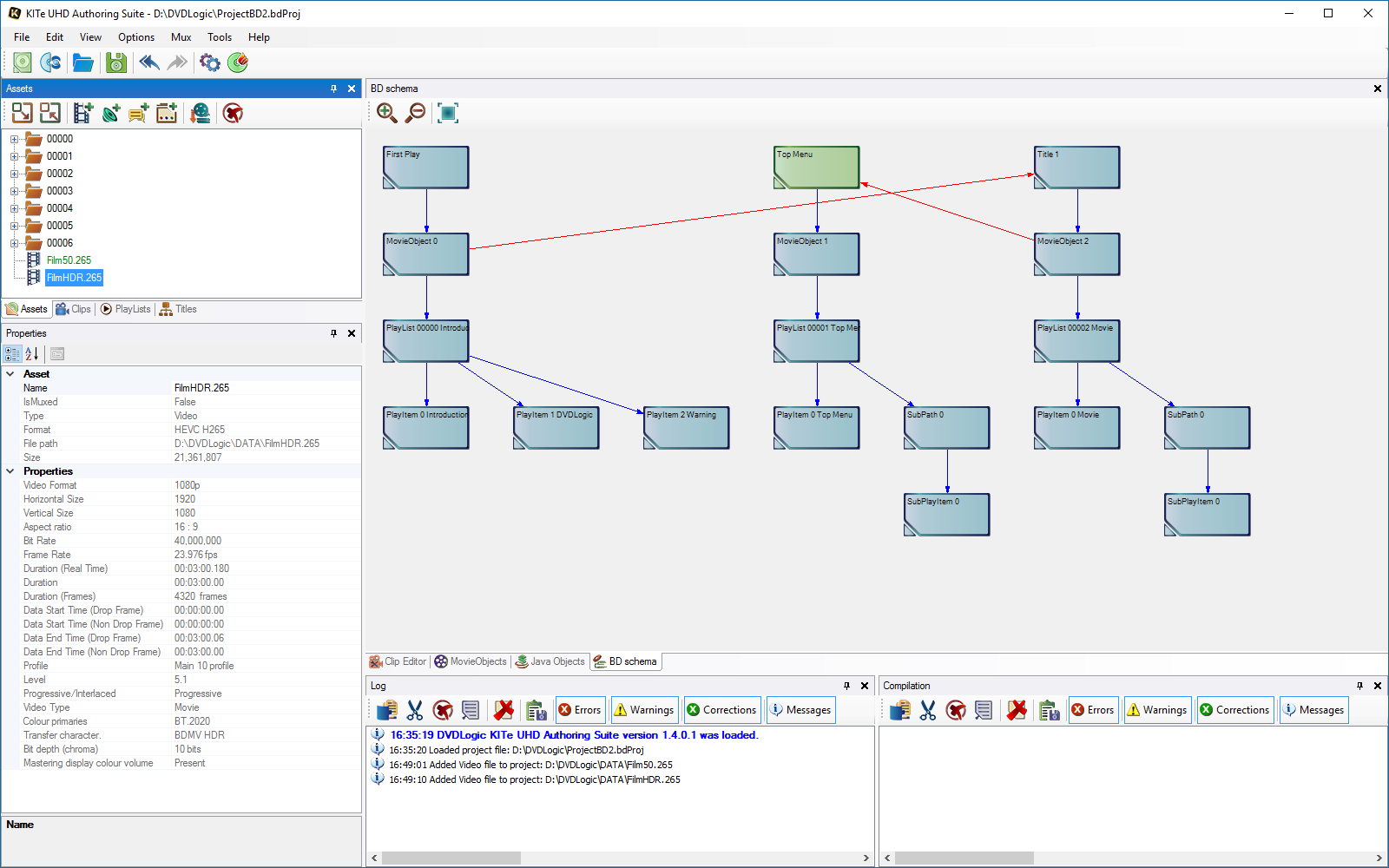
14. Video properties provide confidence in the correctness of the video:
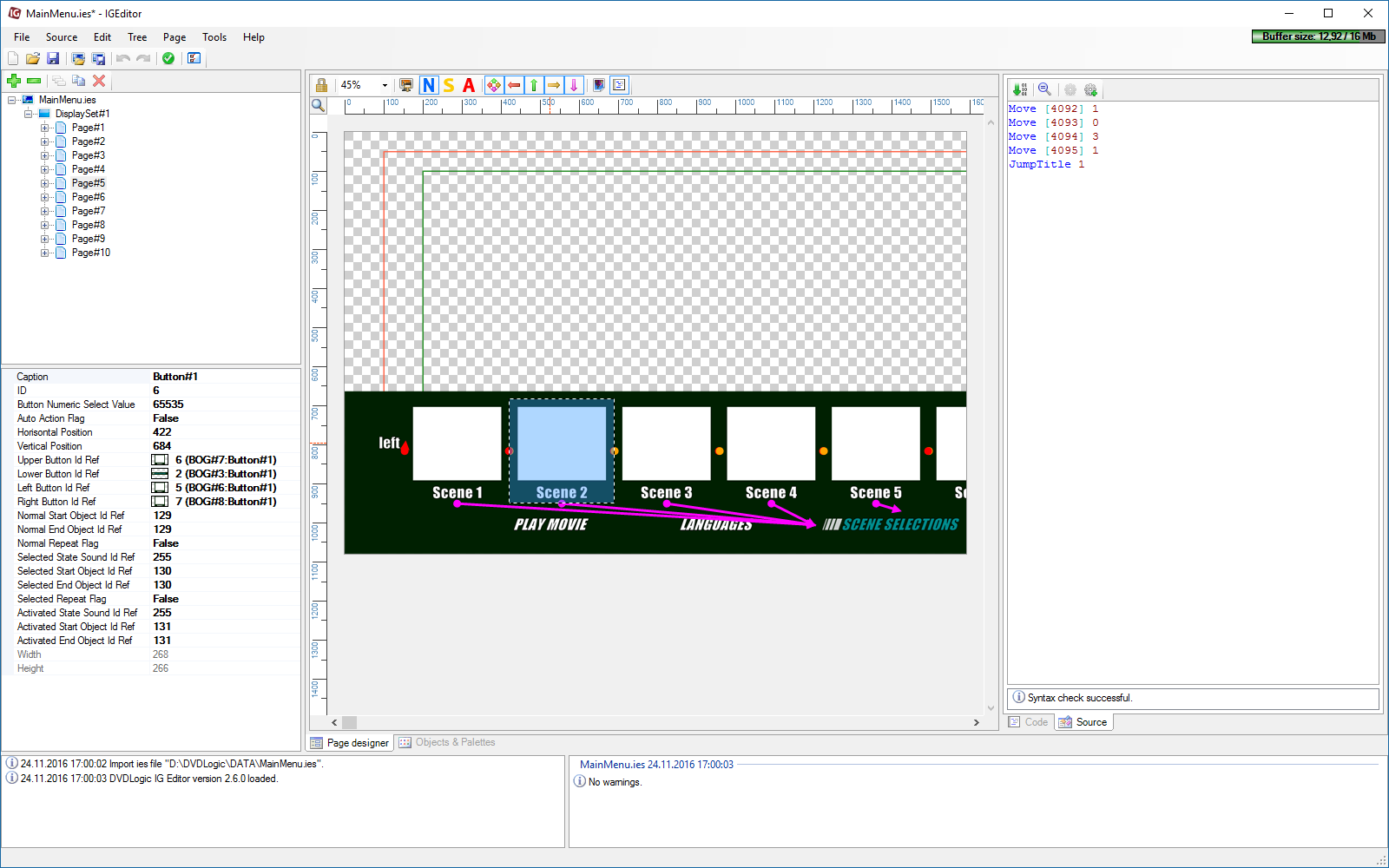
15. IG Editor allows you to create any HDMV Interactive menu from scratch:
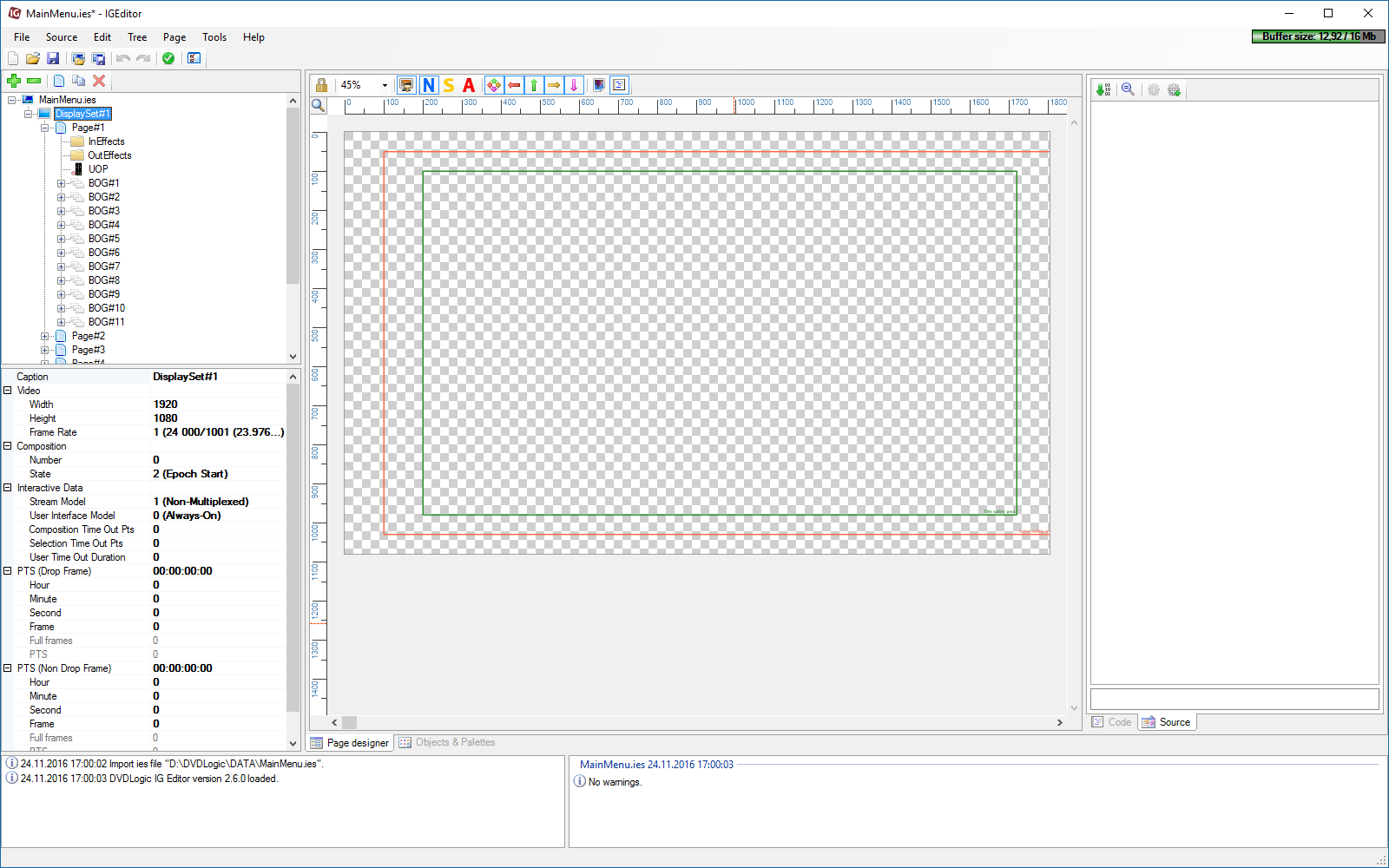
16. IG Editor — easily edit and change the graphics or commands in an existing menu:
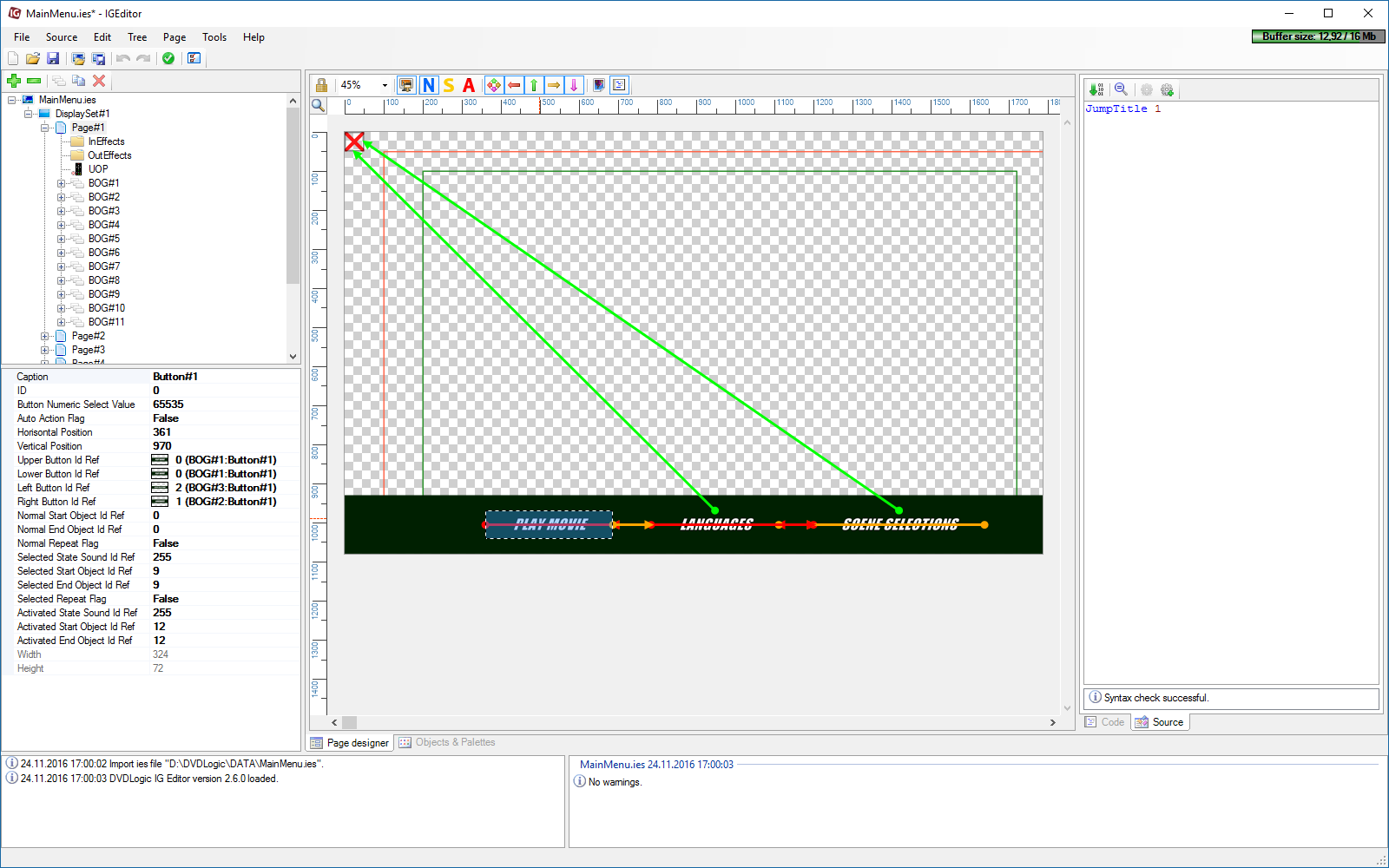
17. IG Editor — a well-known tool for BD menu creation, already in use
at hundreds of companies:
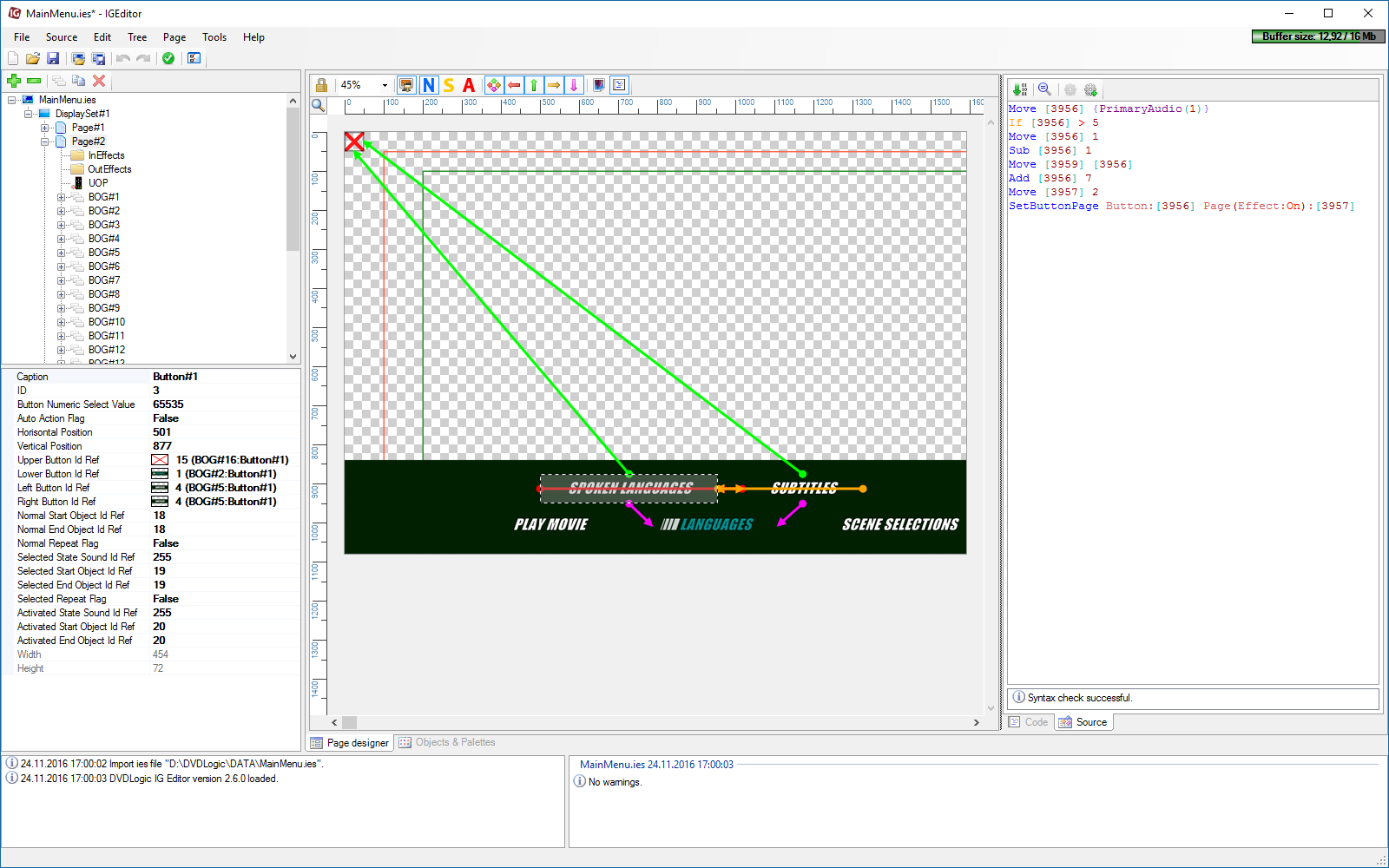
18. IG Editor now goes to the next level. Use it for UHD BD menu creation!